

TS Env Typings is an extension to auto generate Typescript typings for your env variables from your development .env file everytime you save the specefied file.
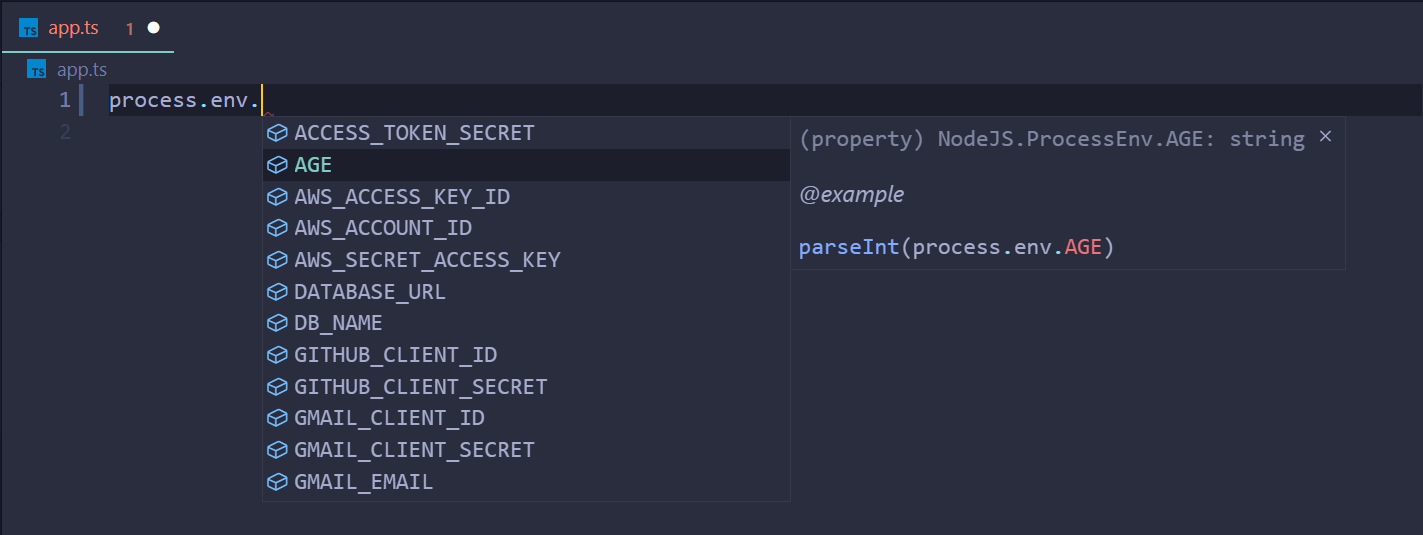
⚠️ Make sure you've @types/node installed before continuing
1- First of all, download the extension TS Env Typings
2- Specify "env-typings.json" file in the root of your project.
3- Add "path" field to your dev .env file.
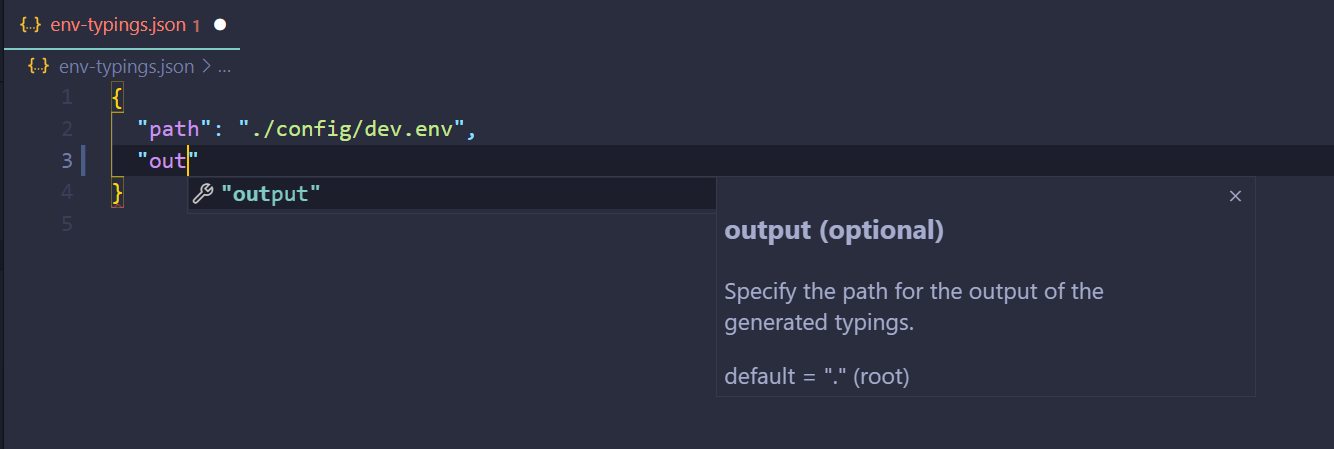
That's it enjoy your auto generated typings from your .env file everytime you hit save.
1- Specify path for the generated output using the output field in the env-typings.json config file.
2- auto detect env variable type so that It can give you a nice example in the intellisense on how to use and parse it.
3- Variants for an env variable
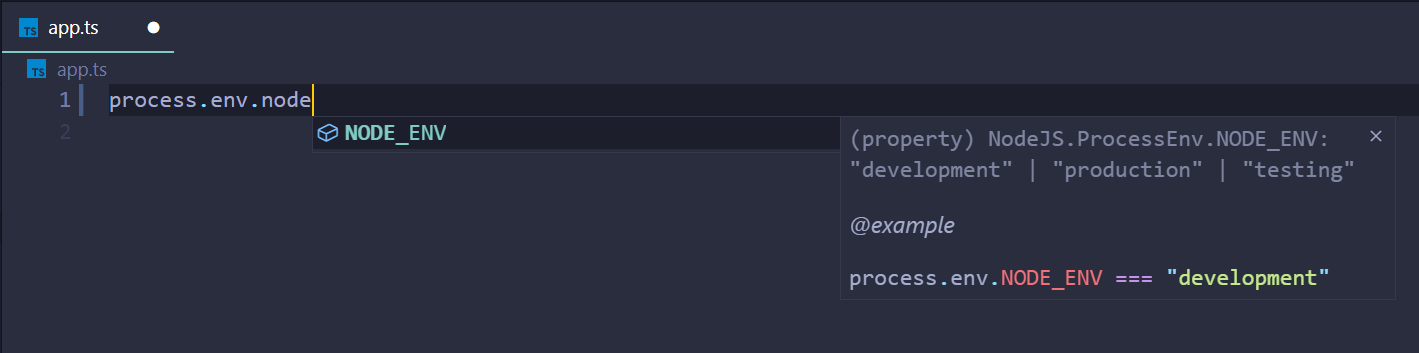
- add a comment at the end of the env line that includes "# variants:"
- specify the different variants for your variable seperated by a "|" like you would in typscript
- quotes are optional around the variants values.
NODE_ENV='development' # variants: "development" | "production" | "testing"Enjoy!