


Dashing is a library to quickly create terminal-based dashboards in Python.
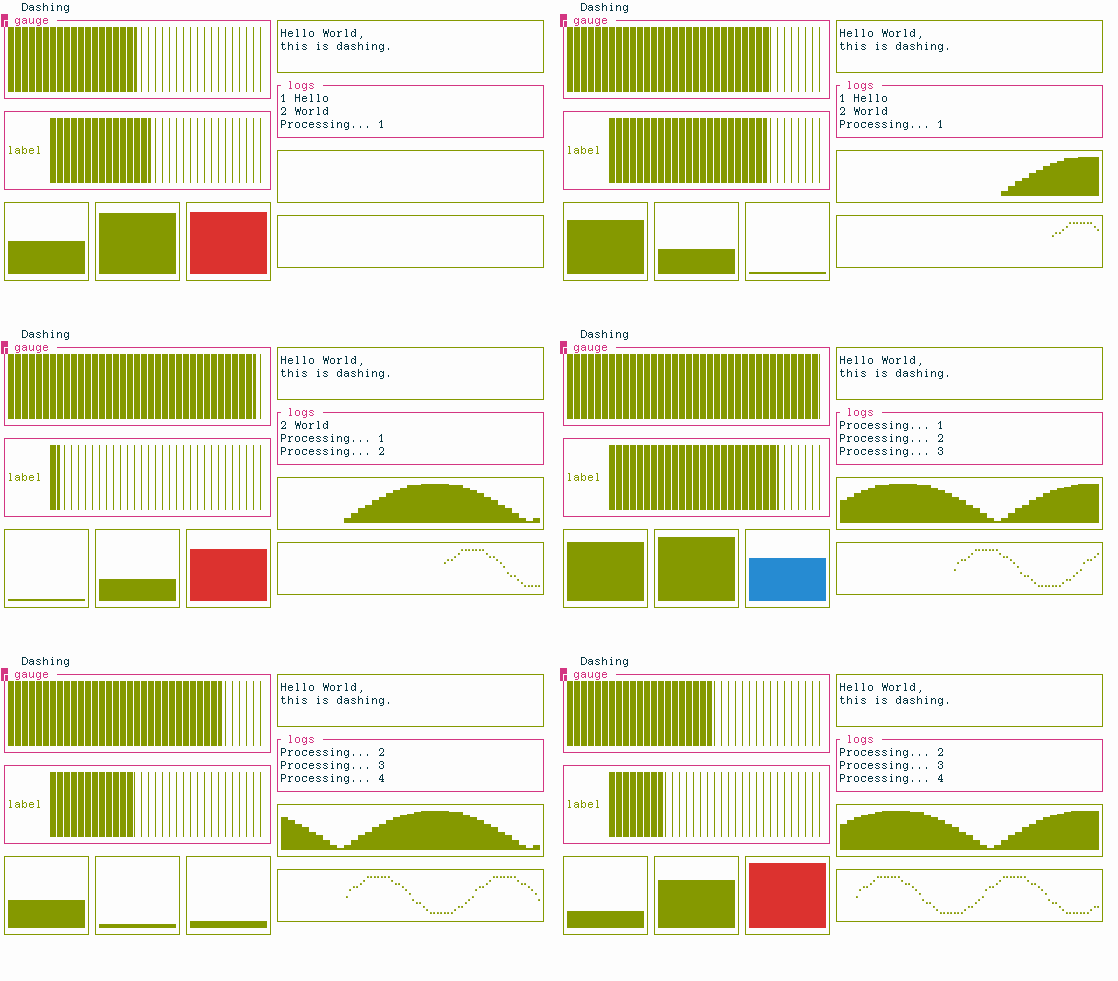
Similar libraries for other languages: termui blessed blessed-contrib
Features: - [x] Sub-character resolution (partially filled blocks) - [x] Horizontal and vertical bars with gradient coloring - [x] Text and log panes with automated scrolling - [x] Automatic scaling of all elements - [x] Vertical and horizontal tile splitting - [x] Braille-filled charts - [x] Theming with 24-bit RGB and HSV colors - [x] Color gradients
The blessed library.
See the demo at https://github.com/FedericoCeratto/dashing/blob/main/examples/demo.py and the documentation at https://dashing.readthedocs.io/en/latest/
Usage
# Colors can be "#RRGGBB" (RGB), "*HHSSVV" (HSV) or RGB(r, g, b)
ui = HSplit(
    VSplit(
        HGauge(title="title", color_low="*A000FF", color_high="*A00000"),
        VGauge(border_color="#00ff00", color_low="#0000ff", color_high="#00ffff"),
    ),
    VSplit(
        Text("Hello World,\nthis is dashing.", border_color="#ff0000"),
        Log(title="logs", color_high=RGB(0, 0, 0), color_low=RGB(200, 200, 200)),
        HBrailleFilledChart(),
    ),
    title="Dashing",
)

with open_terminal() as terminal:
    log = ui.items[1].items[1]
    log.append("log line")

ui.display(terminal)